
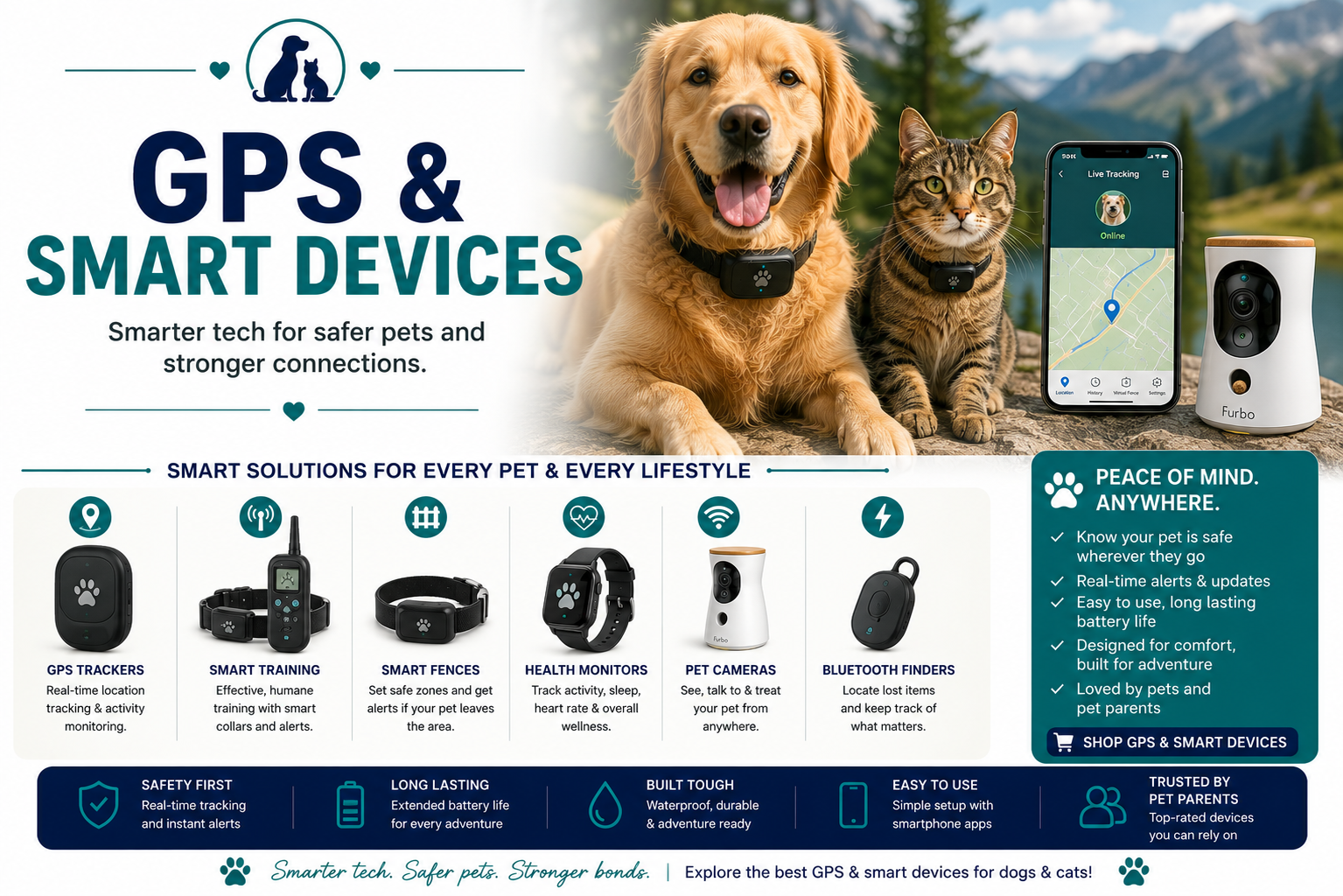
Pet Cameras
Explore pet cameras with buying guides, product comparisons, sizing help, safety advice and practical recommendations for pet owners.
Quick Answer
Choose a pet camera for reliable video, practical placement, secure account controls, and only the interaction features your pet can use safely. Two-way audio and treat dispensing should be introduced gradually because some animals find remote voices or moving mechanisms confusing.
Pet Cameras: current products worth comparing
These options match the specific buying intent of this page. Compare the product itself—not just the brand name—then verify sizing, compatibility and current specifications before ordering.
Furbo 360° Dog Camera
Rotating view, two-way audio and treat tossing.
CHECK CURRENT PRICESPetcube Bites 2 Lite
Treat dispensing and app-based monitoring at a lower entry price.
CHECK CURRENT PRICESPetcube Cam 360
Compact camera for room monitoring without treat hardware.
CHECK CURRENT PRICESEufy Pet Dog Camera D605
Pet-focused rotating camera with treat dispensing and smart tracking.
CHECK CURRENT PRICESPet Cameras comparison
| Product / family | Best for | Why compare it | What to verify | Action |
|---|---|---|---|---|
| Furbo 360° Dog Camera | Best dog-focused treat camera | Rotating view, two-way audio and treat tossing. | Compare privacy controls, subscription requirements, night view, two-way audio and whether treat features fit the pet. | CHECK PRICES |
| Petcube Bites 2 Lite | Best value treat camera | Treat dispensing and app-based monitoring at a lower entry price. | Compare privacy controls, subscription requirements, night view, two-way audio and whether treat features fit the pet. | CHECK PRICES |
| Petcube Cam 360 | Best simple pan/tilt monitor | Compact camera for room monitoring without treat hardware. | Compare privacy controls, subscription requirements, night view, two-way audio and whether treat features fit the pet. | CHECK PRICES |
| Eufy Pet Dog Camera D605 | Best local-storage style alternative | Pet-focused rotating camera with treat dispensing and smart tracking. | Compare privacy controls, subscription requirements, night view, two-way audio and whether treat features fit the pet. | CHECK PRICES |
Which option fits which buyer?
Furbo 360° Dog Camera
Rotating view, two-way audio and treat tossing.
Before buying: Compare privacy controls, subscription requirements, night view, two-way audio and whether treat features fit the pet.
Petcube Bites 2 Lite
Treat dispensing and app-based monitoring at a lower entry price.
Before buying: Compare privacy controls, subscription requirements, night view, two-way audio and whether treat features fit the pet.
Petcube Cam 360
Compact camera for room monitoring without treat hardware.
Before buying: Compare privacy controls, subscription requirements, night view, two-way audio and whether treat features fit the pet.
Eufy Pet Dog Camera D605
Pet-focused rotating camera with treat dispensing and smart tracking.
Before buying: Compare privacy controls, subscription requirements, night view, two-way audio and whether treat features fit the pet.
Browse Pet Cameras
Review the current selection, then use the fit, safety, handling, maintenance, and compatibility guidance below to narrow the choices.
Open the approved category search in a new tab.
View Available OptionsMain Types and Use Cases
Start with the product format that fits the pet, handler, environment, and task rather than choosing by appearance alone.
Fixed indoor camera
Provides a consistent view of one room or resting zone.
Wide field of view and secure mountingPan-and-tilt camera
Remotely changes direction to cover a larger space.
Quiet movement and app responsivenessTreat-dispensing camera
Adds controlled food delivery and interactive routines.
Treat size compatibility and jam accessBattery camera
Offers flexible placement with periodic charging.
Runtime, wake delay, and secure mountWhat Matters Most
- View and placement: The camera should cover the pet’s normal area without unstable furniture or reachable cords.
- Privacy: Use unique passwords, multifactor authentication when available, and timely firmware updates.
- Connectivity: Confirm Wi-Fi band, signal strength, app support, and behavior after an outage.
- Alerts: Adjust motion or sound sensitivity to reduce constant false notifications.
- Pet response: Test audio, lights, motors, and treat mechanisms while physically present.
Compare the Main Formats
Use this framework to identify the configuration that best matches the intended routine.
| Format | Best use | Feature to prioritize | Important check |
|---|---|---|---|
| Fixed indoor camera | Provides a consistent view of one room or resting zone. | Wide field of view and secure mounting | Match the product to the individual pet and intended setting. |
| Pan-and-tilt camera | Remotely changes direction to cover a larger space. | Quiet movement and app responsiveness | Match the product to the individual pet and intended setting. |
| Treat-dispensing camera | Adds controlled food delivery and interactive routines. | Treat size compatibility and jam access | Match the product to the individual pet and intended setting. |
| Battery camera | Offers flexible placement with periodic charging. | Runtime, wake delay, and secure mount | Match the product to the individual pet and intended setting. |
How to Choose and Use It Safely
A careful setup and gradual introduction usually matter as much as the product itself.
1. Choose a safe location
Keep cords, mounts, and small parts beyond the pet’s reach.
2. Secure the account
Change default credentials and enable available security protections.
3. Test the connection
Check live view, alerts, and recovery after router or power interruption.
4. Introduce features slowly
Use audio or treat dispensing while present before remote use.
5. Tune notifications
Set activity zones and sensitivity around the pet’s real routine.
6. Review storage settings
Understand local or cloud recording, retention, sharing, and deletion controls.
Common Buying and Use Mistakes
Leaving a power cord where a pet can chew, pull, or become entangled.
Using default passwords or postponing security and firmware updates.
Assuming a camera can replace direct care, exercise, medical assessment, or emergency response.
Related approved resources include Best Pet Cameras Pet Cameras & Monitors Best Pet Cameras with Treat Dispensers.
Pet Cameras FAQs
Do pet cameras need a subscription?
Many provide live viewing without one but reserve recording, longer history, or advanced alerts for a paid plan. Check the exact feature split.
Is two-way audio helpful?
It can reassure some pets and confuse or excite others. Introduce it while home and watch the animal’s response.
Are treat cameras safe for every pet?
No. Consider dietary restrictions, food guarding, anxiety, and whether the mechanism can be reached or tipped.
How can a pet camera account be secured?
Use a unique strong password, multifactor authentication when offered, updated firmware, and a secured home network.
Where should the camera be placed?
Choose a stable position with a useful view, safe temperature, reliable Wi-Fi, and cords or hardware out of reach.
Can cameras detect emergencies?
Alerts may reveal unusual movement or sound, but they are not guaranteed medical or safety monitoring. Arrange direct care and emergency contacts.
What happens if Wi-Fi fails?
Remote viewing and cloud alerts may stop. Some cameras can record locally, but behavior varies by model and power status.
How should recordings be managed?
Review who can access them, where they are stored, how long they are retained, and how to delete or share clips.
Choose Pet Cameras for the Real Routine
Match the product to the pet, setting, handling plan, and maintenance commitment before deciding.
See Current SelectionKEEP EXPLORING
Related guides and comparisons
Use these closely related PetSupplyGuide resources to compare options, understand fit and make the next buying decision with better context.